

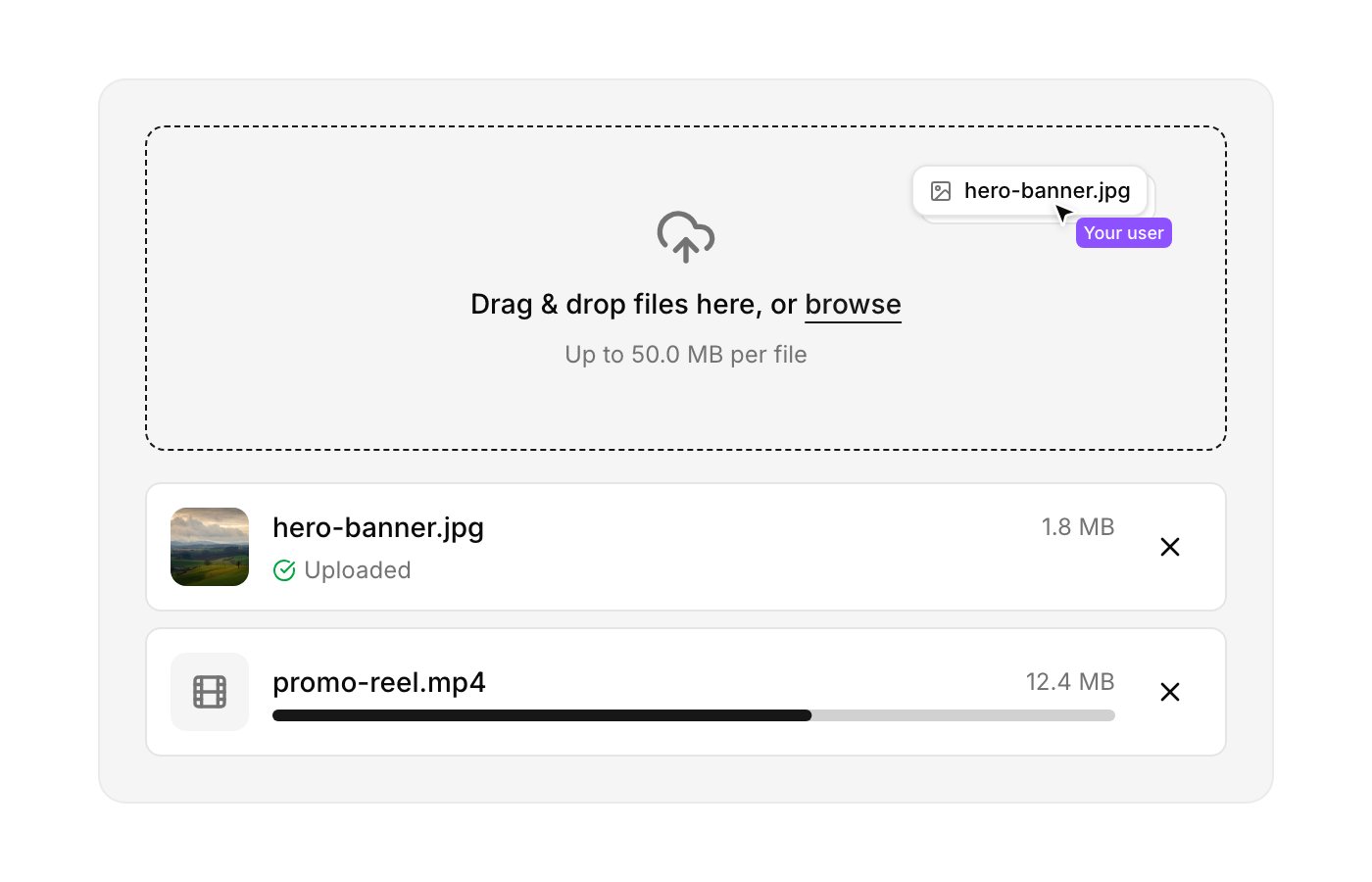
How it stays safe
The browser never holds your API key. Your backend mints a short-lived presigned signature, the browser uploads with that.1
Your backend requests a signature
A route you control calls
POST /upload/sign with your Cloud API key, scoping the upload to a folder and an expiry.2
The browser gets the signature
The component calls your
sign() function right before uploading and gets back { signature, expires, folder }, opaque values that die in minutes.3
Cloud verifies it
POST /upload reads the destination account, bucket and folder from the token itself, never from the request. A tampered, replayed or expired token is rejected.Prerequisites
- A Cloud account, see Cloud Quickstart.
- An API key pinned to the bucket you want uploads to land in.
- A project set up for shadcn/ui (
components.jsonpresent), with the shadcn CLI v3 or later for namespaced registries.
API_SECRET, no CORS_ORIGIN allow-list, no MAX_FILE_SIZE_MB, Cloud handles all of it, and POST /upload accepts token-authenticated uploads from any origin.
Installation
1
Register the Openinary namespace
components.json
2
Add the component and the signing helper
components/openinary/; the second installs lib/upload-token.ts, a thin client for POST /upload/sign.3
Set your environment variables
.env.local
/api suffix on Cloud, unlike a self-hosted full-stack instance. The API is served at the root of cdn.openinary.dev.Create a signing endpoint
- Next.js (App Router)
- Express
- Cloudflare Workers
app/api/upload-token/route.ts
Usage
What comes back
onSuccess receives the stored files.
url unchanged: see showing the file you just uploaded.
HEIC and HEIF files are converted to JPEG on upload, so path may end in .jpg.
Showing the file you just uploaded
Render it once, as the original, and never swap it for another URL afterwards.url already points at /t/{path} with no transformation segment, so use it as it comes:
202 {"status":"processing"} rather than bytes, and an <img> can’t decode a JSON body, it fires onerror once and never retries. For a file uploaded seconds ago that first request is yours, so the picture arrives late, after a broken-image frame. Transformed URLs are for the next page load, once the file is at rest.
Treat this as a confirmation, not a gallery. The original is full-size bytes and one CDN request, which is right for the one file that just arrived and wrong for a grid of fifty, where transformations belong. Only jpg, png, webp, avif and gif decode in a browser; anything else is a link. Drop the component’s local preview once the upload finishes rather than showing both.
Cloud-specific behaviour
Handling quota errors
An upload that would push the account past its storage allowance is refused with402 and a JSON body naming the feature. Surface it, don’t retry it, the retry will fail identically until the plan or the usage changes.
Troubleshooting
signUpload throws 'Failed to sign upload (HTTP 404)'
signUpload throws 'Failed to sign upload (HTTP 404)'
NEXT_PUBLIC_OPENINARY_URL probably still ends in /api, that suffix is a self-hosted full-stack thing. On Cloud the API is at the root: https://cdn.openinary.dev.401 on POST /upload/sign
401 on POST /upload/sign
The API key is missing, disabled, expired, or you’re calling the endpoint from the browser (where the key shouldn’t be at all). Check
OPENINARY_API_KEY on your backend, and that the key is still enabled in Settings → API keys.401 'Invalid or expired upload signature'
401 'Invalid or expired upload signature'
The token’s
expires passed before the upload started, or the signature was altered. Raise expiresIn a little (the server clamps it to 3600s). The component always re-signs on retry, so this shouldn’t survive a retry.402 quota_exceeded
402 quota_exceeded
A plan allowance ran out.
feature in the body says which one. Storage is cumulative, deleting files frees it back; everything else resets monthly.Files land in the wrong folder
Files land in the wrong folder
On Cloud the destination comes from the signature, not the component. Fix the
folder you pass to signUpload on your backend.The uploaded image appears after a delay, or flashes broken first
The uploaded image appears after a delay, or flashes broken first
You’re rendering a transformation of a file that was just uploaded, so your own request is the one generating it and it answers
202 before it answers bytes. Show the original instead, see Showing the file you just uploaded. Retrying on a visible <img> makes it worse, every cycle paints the broken state again.CORS error in the console
CORS error in the console
POST /upload accepts token-authenticated uploads from any origin, so a CORS failure here usually means the request isn’t the one you think, e.g. your code is calling /upload/sign or /storage from the browser. Those are backend-only endpoints. Move the call server-side.