

Deploy on Railway
One-click deploy, opens the pre-configured Openinary template
Deployment steps
1
Open the template
Click the Deploy on Railway card above. Sign in or create a Railway account if prompted.
2
Set BETTER_AUTH_SECRET
The template requires one variable. Generate a secure value:Paste the output into the
BETTER_AUTH_SECRET field in the template form. Keep it private, it signs all authentication sessions and tokens.3
Deploy
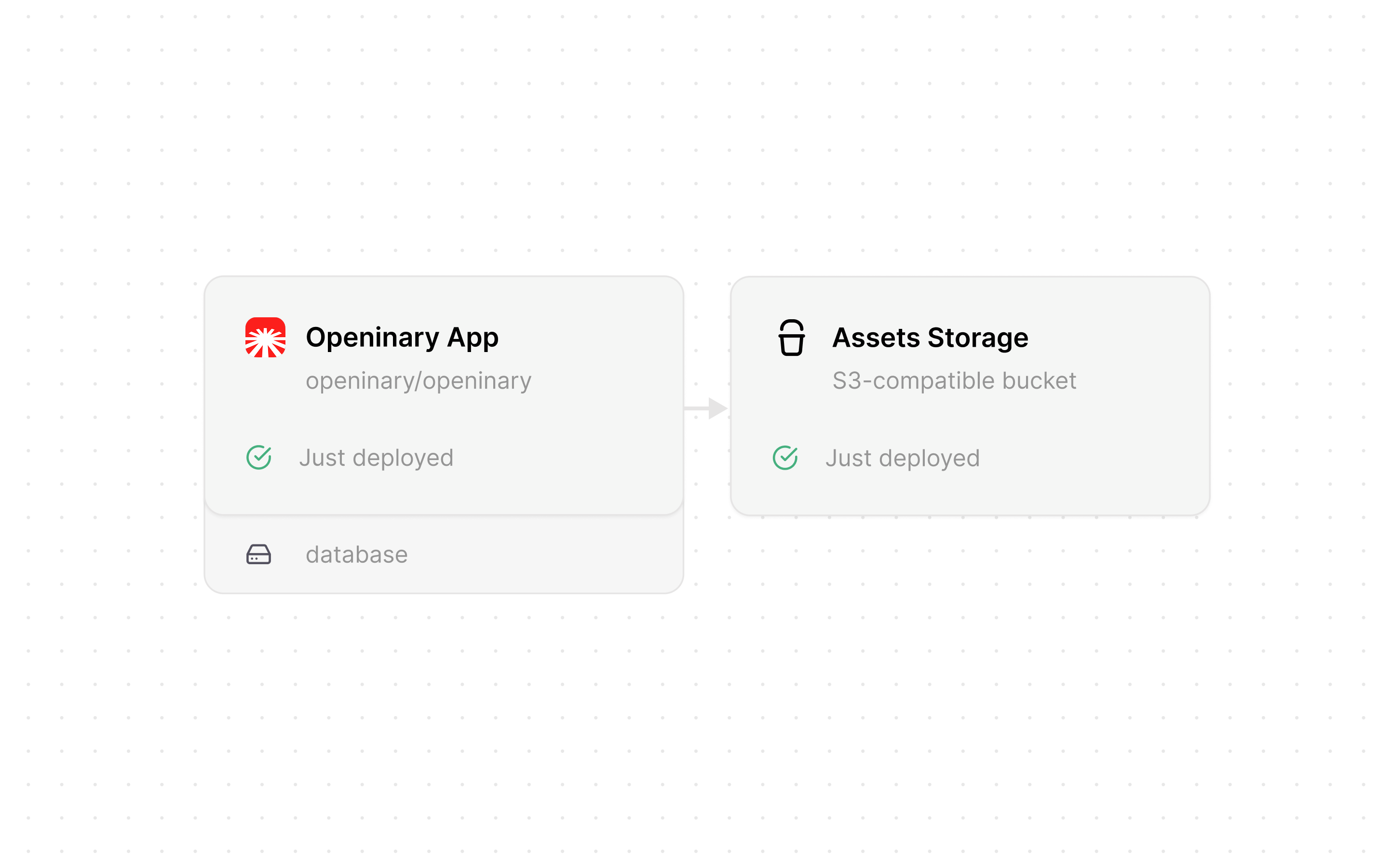
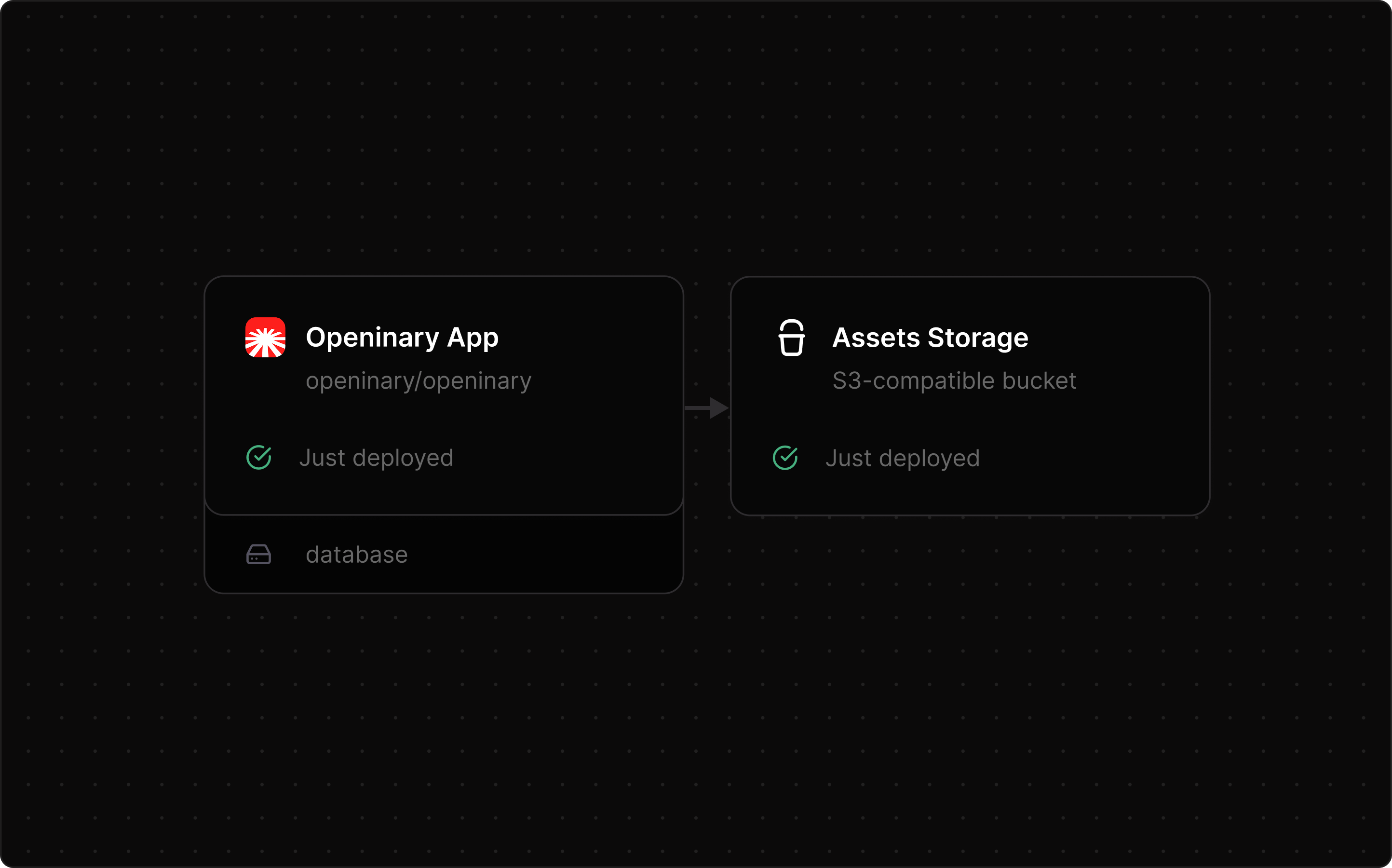
Click Deploy Now. Railway provisions the app and the S3 bucket, then starts the container.Wait for both the Openinary App and Assets Storage services to show Deployed.
4
Set BETTER_AUTH_URL
Railway generates a public URL for your app, such as Then redeploy the service. Auth callbacks do not work without it. If you add a custom domain later, update this to match.
openinary-production.up.railway.app.Go to Openinary App → Settings → Variables and set:5
Complete initial setup
Visit your Railway URL. You land on the setup page, create your administrator account there.
Optional configuration
The Railway bucket is pre-connected, so no storage variables are needed. Optional variables go under Openinary App → Settings → Variables:Troubleshooting
Check the build logs under Openinary App → Deployments. ConfirmBETTER_AUTH_SECRET is at least 32 characters, and that BETTER_AUTH_URL matches your Railway public URL exactly, with no trailing slash. If problems persist, open an issue on GitHub with your deployment logs.
Next steps
Image Transformations
Resize, crop, and convert images with URL parameters.
Video Transformations
Resize, trim, and extract thumbnails from videos.